Home Assistant Green Review: The Official Smart Home Hub
By Le Coin Vert
Introduction: The end of the headache for local home automation?
For a long time, installing Home Assistant felt like an obstacle course reserved for seasoned techies. Between choosing the Raspberry Pi, the laborious flashing of an SD card, and configuring virtual machines, many home automation enthusiasts gave up before even pairing their first light bulb.
With the Home Assistant Green, Nabu Casa (the company behind the project) is radically changing the game. This "Plug and Play" hub promises to make the power of open source accessible to everyone, without sacrificing data sovereignty. In 2025, as the Matter protocol becomes widespread, the Green positions itself as the ideal entry point.
But does this apparent simplicity hide technical limitations? Is it really the ultimate solution for controlling your connected garden and your home? Let's dive into the guts of this little green box.
Unboxing and Design: The elegance of sobriety
From the moment you open the box, you feel the desire to offer a finished product, far from the "bare electronic board" look of DIY solutions. The recycled cardboard packaging sets the tone: we are on a product that aims to be sustainable and respectful.
A chassis designed for durability
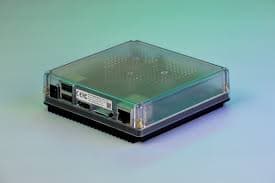
The box surprises with its compactness (112 x 112 x 32 mm). Its semi-transparent shell allows a glimpse of the green PCB, an aesthetic touch reminiscent of the great hours of technological design. But the most crucial point is underneath: a massive base in anodized aluminum.
This choice is not just aesthetic. This block of metal serves as a passive heat sink. Unlike a classic computer or some Raspberry Pi cases, the Home Assistant Green has no fan.
Design and Engineering
Pros
- Totally passive cooling
- Absolute silent operation
- Compact and discreet design
- Robust construction
Cons
- USB ports too close together
- No native wall mount
Pack contents
- The Home Assistant Green hub.
- A RJ45 Ethernet cable (Category 5e).
- A 12V / 1A power supply (multi-plug).
- A quick start guide.
Technical Specifications: What's under the hood?
To understand why the Green is more stable than a standard Raspberry Pi, you have to look at its components. It doesn't seek raw power, but optimization for Home Assistant OS.
The Rockchip RK3566 processor
The heart of the machine is a Quad-core Cortex-A55 SoC clocked at 1.8 GHz. While on paper this seems less powerful than a desktop PC, it is more than enough to handle hundreds of smart devices simultaneously. The major advantage of this architecture is its low power consumption and low heat emission.
Memory and Storage: The end of corrupted SD cards
This is where the Green scores a decisive point. It uses 32 GB of eMMC storage. Why is this important? Raspberry Pi users know it: microSD cards often end up burning out because of the constant writes from home automation databases. eMMC is soldered memory, much faster and above all much more reliable over time.
Info: eMMC storage drastically reduces the risk of data loss compared to a classic SD card.
Installation: From unboxing to interface in 5 minutes
"Plug and Play" is not just a hackneyed marketing argument here. It is a technical reality.
Step-by-step guide
- 1
Physical connection
Connect the hub to your router via the provided Ethernet cable and plug in the power supply.
- 2
Initialization
Wait about 2 minutes until the green LED flashes steadily.
- 3
Interface access
From a browser, type the address homeassistant.local or use the mobile app.
- 4
Configuration
Follow the assistant to create your account and detect your first devices.
One of the advantages of the Green is that it immediately scans your network. If you already have Shelly modules for your outdoor lighting or connected plugs, they will appear like magic on your dashboard.
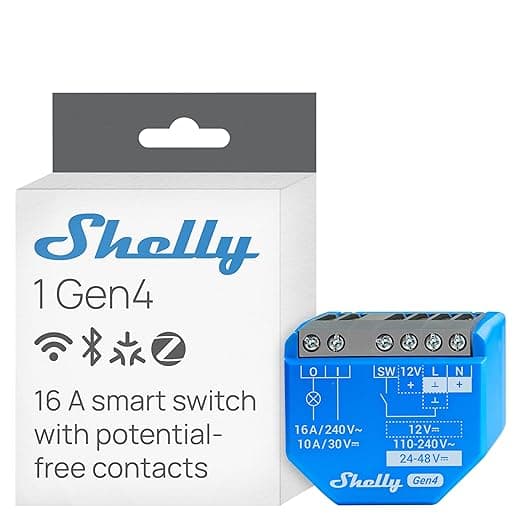
Shelly Plus 1
The Wi-Fi relay micromodule...
- Ultra-compact size fits behind switches, built-in Wi-Fi and Bluetooth, allows low-cost automation of outdoor lights or pumps.
- Requires handling electrical wiring (safety standards apply), initial setup can be complex for beginners.
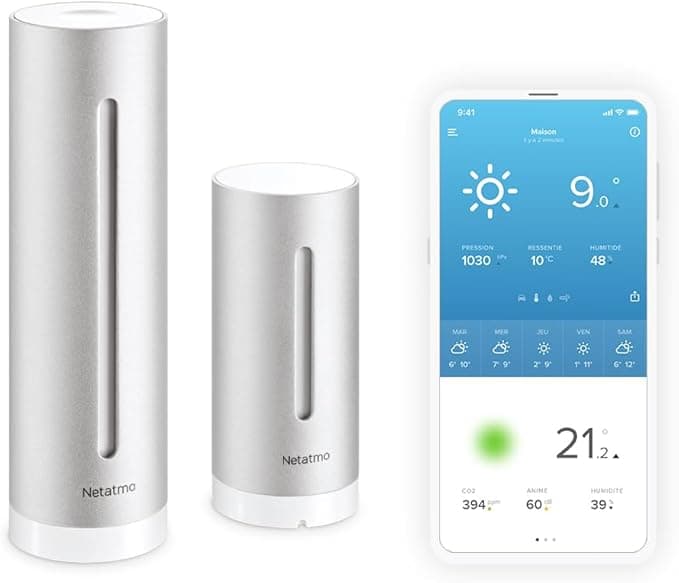
Netatmo Smart Weather Station
Netatmo Smart Weather Station...
- Measures indoor air quality (CO2)
- clean app with excellent data history, aluminum design.
- Outdoor module must not be exposed to direct rain or sunlight (skews temperatures), no display on the station itself.
Connectivity: Why is there no integrated Zigbee?
This is the question that comes up most often: why didn't Nabu Casa include a native Zigbee or Thread chip?
The answer is strategic: scalability. By separating the hub from the radio protocol, the manufacturer ensures that your hub won't be obsolete if a new version of a protocol comes out. This also allows you to place your Zigbee antenna in the best possible location via a USB extension, far from the interference of the hub and the router.
How to add protocols?
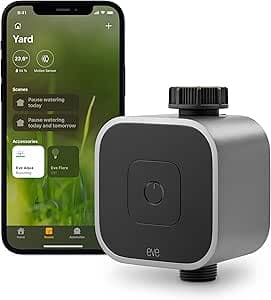
To control watering sensors or connected valves like the Eve Aqua, you will simply need to add a specialized USB dongle.
Warning: Always use a USB extension for your Zigbee dongles to avoid radio interference with the USB 3.0 port.
Compatible watering accessories
 |  | |
|---|---|---|
| Max area | ||
| Max slope | ||
| Wire-free | ||
| GPS / RTK | ||
| Cut-to-Edge | ||
| App control | ||
| Check price | Check price |
Daily Performance: Fluidity and stability
After several weeks of testing, the verdict is clear: stability is exemplary. Unlike an installation on Windows or MacOS via a VM, here, the system is "bare." Every processor cycle is dedicated to your home.
- Response time: Instant on the local network.
- Consumption: About 1.3W at rest. It's almost invisible on your electricity bill, even running 24/7.
- Interface: Energy consumption charts (Energy Dashboard) load without any latency.
Need help with your configuration?
Our simulator guides you.
Why choose the Green for your garden?
If you are reading us on Le Coin Vert, it's because the outdoors matters to you as much as the indoors. The Home Assistant Green is the perfect brain for automating your garden.
Thanks to its local management, you can create complex scenarios:
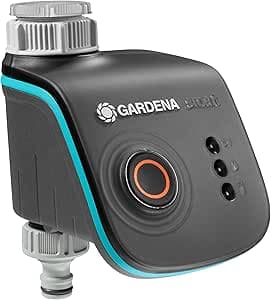
- If the Netatmo Weather Station detects rain, then watering via Gardena Smart Water Control is suspended.
- If the light levels drop, the Shelly Plus 1 module activates the path lighting.
- You can even monitor your robot mower's charge status directly on your dashboard.
Frequently Asked Questions
Does the hub work without internet?
Can I control my Wi-Fi devices?
What is the lifespan of the eMMC memory?
Conclusion: Our opinion on the Home Assistant Green
The Home Assistant Green is, in our opinion, the most serious hub on the market for anyone who wants to take back control of their home without becoming a systems engineer. It combines the power of a globally recognized open-source software with the simplicity of a consumer product.
While you will need to invest in a Zigbee or Matter dongle (like the SkyConnect) to take full advantage of wireless sensors, this investment is more than offset by the reliability of the whole system. For less than $110, you are giving your home a brain capable of evolving over the next decade.
The ideal companion for the Green to automate your lights.
Shelly Plus 1
The Wi-Fi relay micromodule...
- Ultra-compact size fits behind switches, built-in Wi-Fi and Bluetooth, allows low-cost automation of outdoor lights or pumps.
- Requires handling electrical wiring (safety standards apply), initial setup can be complex for beginners.
Affiliate link. Same price for you.
Read also
.png&w=3840&q=75)
May 10, 2026
Nighttime Smart Home Scenarios: Linking Mowing, Lighting and Weather
Your robot starts at 11 PM because rain is forecast tomorrow. The garden lights activate at sunset and cut off when it docks. This level of automation works today with Home Assistant.
.png&w=3840&q=75)
Apr 5, 2026
Improving Wi-Fi Coverage for a Flawless Connected Garden
Is your robot mower stopping in the middle of the yard? Discover our expert guide to diagnose and extend your garden's Wi-Fi range.
Mar 1, 2026
Garden Home Automation 2026: How to Synchronize Your Smart Watering and Robot Mower?
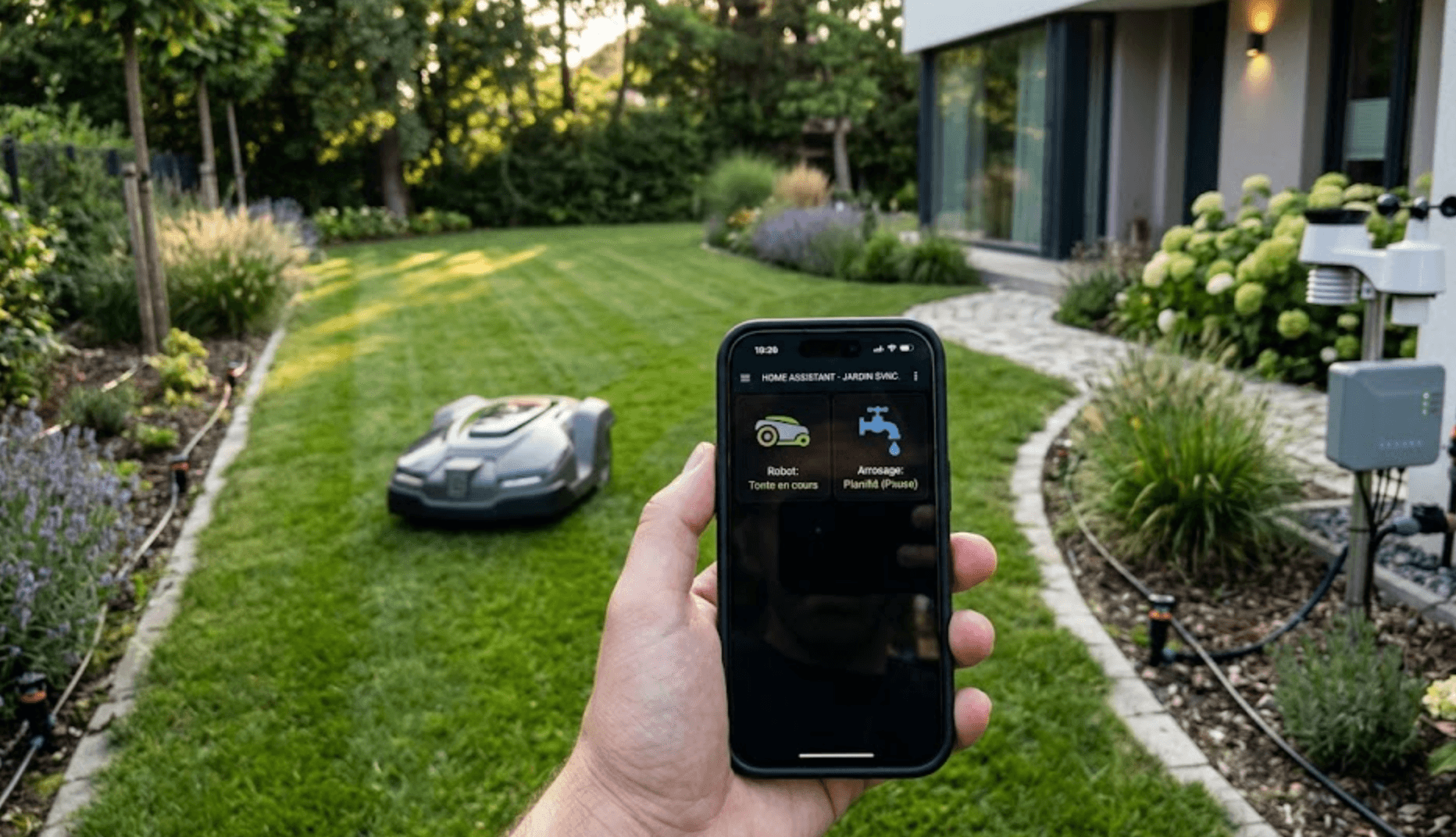
Is your robot mowing while the watering starts? Discover how to make connected valves, weather sensors, and robot mowers communicate via Home Assistant for a truly smart gardenwithout water damage.