Improving Wi-Fi Coverage for a Flawless Connected Garden
By Le Coin Vert
.png&w=3840&q=75)
Introduction
The fact is clear: a modern garden without a robust Wi-Fi connection is a garden that only half works. Connection losses are the number one source of frustration for owners of new-generation robot mowers and smart irrigation systems.
A mowing robot that disconnects is a device that refuses to start, ignores your remote commands, or worse, misses crucial updates for its navigation. This guide will help you establish a clear diagnosis and choose the solution adapted to your configuration.
Why Wi-Fi is the sinew of war in the garden
The requirement of wireless robot mowers
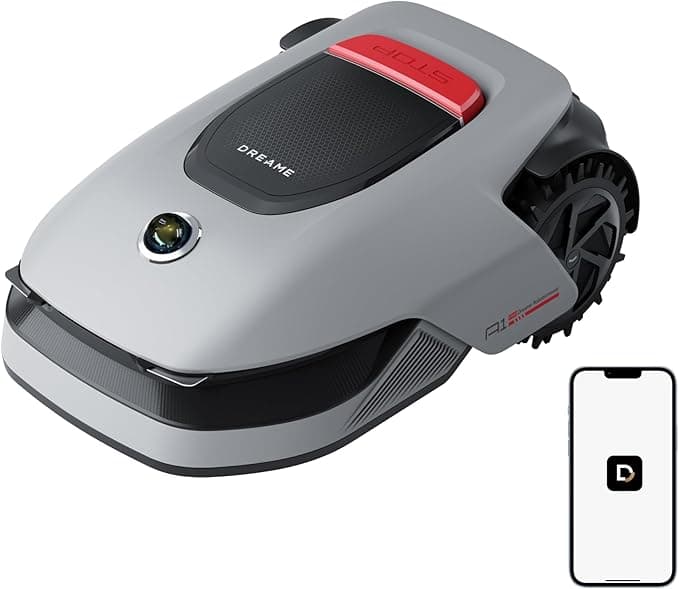
The latest generation of robots are true computers on wheels. The Segway Navimow i105E or the Dreame A1 Pro LiDAR collect complex mapping data. Although their navigation relies on satellites or lasers, managing off-limit zones, scheduling, and receiving blockage alerts require a stable Wi-Fi signal.
If a model like the Luba Mini AWD 800 gets bogged down on a slope out of range of your box, you won't receive any notificationyou'll discover it the next day, with a dead battery.
A fantastic machine that requires a reliable network for its mapping updates
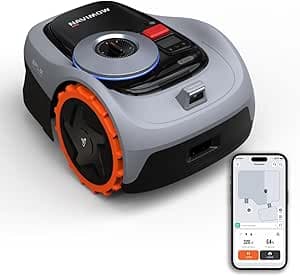
Segway Navimow i105E
The affordable wireless revolution...
- Easy wire-free setup via app
- AI camera for obstacle avoidance
- excellent multi-zone management.
- Requires a relatively clear sky view for GPS (RTK) signal
- capacity limited to 500m² yards.
Affiliate link. Same price for you.
Irrigation automation and climate sensors
Your water management system is just as dependent. The Gardena Smart Water Control or the Eve Aqua (HomeKit/Thread) communicate with their servers to adjust watering according to weather forecasts. Similarly, if you use a Netatmo Weather Station or an Ecowitt gateway with its soil and rain sensors, the slightest packet loss will distort your statistics.
Warning: Dense vegetation and thick walls block waves. Never underestimate the impact of a thuja hedge or a stone wall on your internet signal.
Step 1: Range Diagnosis
Before rushing to buy new equipment, establish a precise assessment of your current coverage.
Necessary tools
Download a network analysis app on your smartphone: WiFi Analyzer (Android) or the AirPort utility (iOS). The key indicator is the RSSI, measured in dBm:
- -30 to -60 dBm: Excellent signalyour robots communicate instantly.
- -60 to -70 dBm: Correct signalsufficient for basic home automation.
- Beyond -75 dBm: Danger zonefrequent disconnections.
- -80 dBm and worse: Dead zoneyour equipment will be unreachable.
Step-by-step mapping method
Step-by-step guide
- 1
Phase 1: Preparation
Connect your smartphone to your box, targeting precisely the 2.4 GHz band dedicated to your devices.
- 2
Phase 2: The slow walk
Start from your box and walk very slowly towards the strategic points of your terrain. Allow time for the app to refresh the data.
- 3
Phase 3: Marking limits
Record the exact locations where the signal drops below -75 dBm. Note these zones on a sketch of your property.
- 4
Phase 4: Identification of obstacles
Identify the physical obstacles between these dead zones and your house: stone walls, metallized bay windows, dense foliage.
Technical Solutions: From free to professional
Level 1: Optimization and settings (Free)
Box placement: Raise your box, place it near a window overlooking the garden. Avoid placing it behind a mirror, an aquarium, or a large appliance.
The frequency trap: Modern routers broadcast two bands: 5 GHz (ultra-fast, short range) and 2.4 GHz (slower, but long range). Almost all robots like the Landroid Vision M600 or the Automower 310 and garden sensors require a 2.4 GHz connection. Ensure in your box settings that this band is indeed activated.
Info: Relay modules like the Shelly Plus 1 work exclusively on the long-range 2.4 GHz band.
Level 2: Mesh Network
Avoid simple low-cost Wi-Fi repeatersthey divide bandwidth and create micro-cuts. A Mesh network creates an intelligent mesh with a single network name. Your devices pass from one terminal to another without interruption (roaming). A satellite module near a bay window can cover an additional 300 to 500 m² outdoors.
The Mesh System
Pros
- Single network name for all devices
- Seamless transition without micro-cuts
- Simple installation via mobile app
Cons
- Signal reduced through very thick walls
- Higher cost than a classic repeater
Level 3: Outdoor Access Point (The ultimate solution)
For large estates or 60 cm thick walls, the source must be brought outside: an Outdoor Access Point, a professional-grade antenna certified IP65/IP67, resistant to frost and UV.
PoE installation: A single shielded Ethernet cable (Cat. 6) goes from your box to the outdoor antenna. This cable carries both data and electricityno need for a power outlet on the facade.
Network needs comparison by navigation type
|  | |
|---|---|---|
| Max area | 500 m² | 2000 m² |
| Max slope | 30% | 45% |
| Wire-free | ||
| GPS / RTK | ||
| Cut-to-Edge | ||
| App control | ||
| Check price | Check price |
Practical Use Cases
For models with onboard vision: A robot like the YUKA Mini Vision processes a lot of data locally but sends large reports to the app. Good bandwidth allows you to receive obstacle photos in real-time.
For classic wired robots: Even models like the Landroid S300 or Landroid M500 Plus integrate Wi-Fi chips for weekly programming. Good coverage allows you to adjust schedules from the office, without running out in the rain.
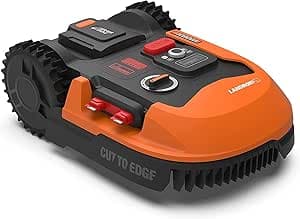
Worx Landroid M500 Plus (WR165E)
The famous modular robot...
- Cut to Edge technology (mows closer to borders), floating cutting deck, upgradable via plug-in modules.
- Wire installation required, add-on modules (anti-collision, etc.) increase the final cost.
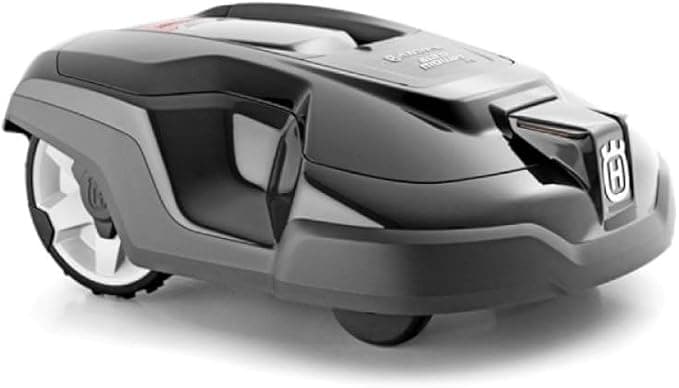
Husqvarna Automower 315 Mark II
Increased capacity for 1500m²...
- Weather timer adjusts mowing to grass growth, frost sensor, excellent durability.
- Bluetooth connectivity (Connect@Home) has limited range, wired installation.
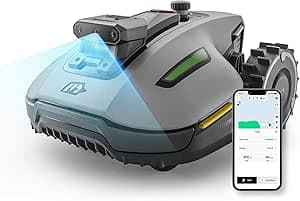
Mammotion YUKA Mini Vision
Pure visual intelligence...
- 100% visual navigation (no GPS needed)
- optional leaf sweeper attachment
- +1 more
- Navigation relies on lighting conditions (won't mow in pitch dark)
- newer technology requiring regular firmware updates.
Quick Troubleshooting
Frequently Asked Questions
My robot refuses to connect even though my smartphone picks up well. Why?
Do I need a cellular subscription if I don't have range at the back of the park?
Can intense cold deteriorate my outdoor antenna?
Conclusion
Connectivity is no longer an option in modern green space maintenance: it is the foundation on which all your automation rests. By diagnosing your shadow zones and investing in the appropriate solutionrouter repositioning, mesh system, or professional wired antennayou guarantee your robot error-free navigation and your sensors maximum responsiveness.
Need help choosing your equipment?
Use our interactive tool to find devices adapted to the size and topography of your terrain.
Read also
.png&w=3840&q=75)
May 10, 2026
Nighttime Smart Home Scenarios: Linking Mowing, Lighting and Weather
Your robot starts at 11 PM because rain is forecast tomorrow. The garden lights activate at sunset and cut off when it docks. This level of automation works today with Home Assistant.
Apr 6, 2026
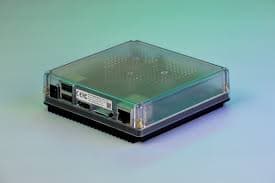
Home Assistant Green Review: The Official Smart Home Hub
Discover our review of the Home Assistant Green. The official hub to start in smart home without technical skills. Installation, performance, and expert opinion.
Mar 1, 2026
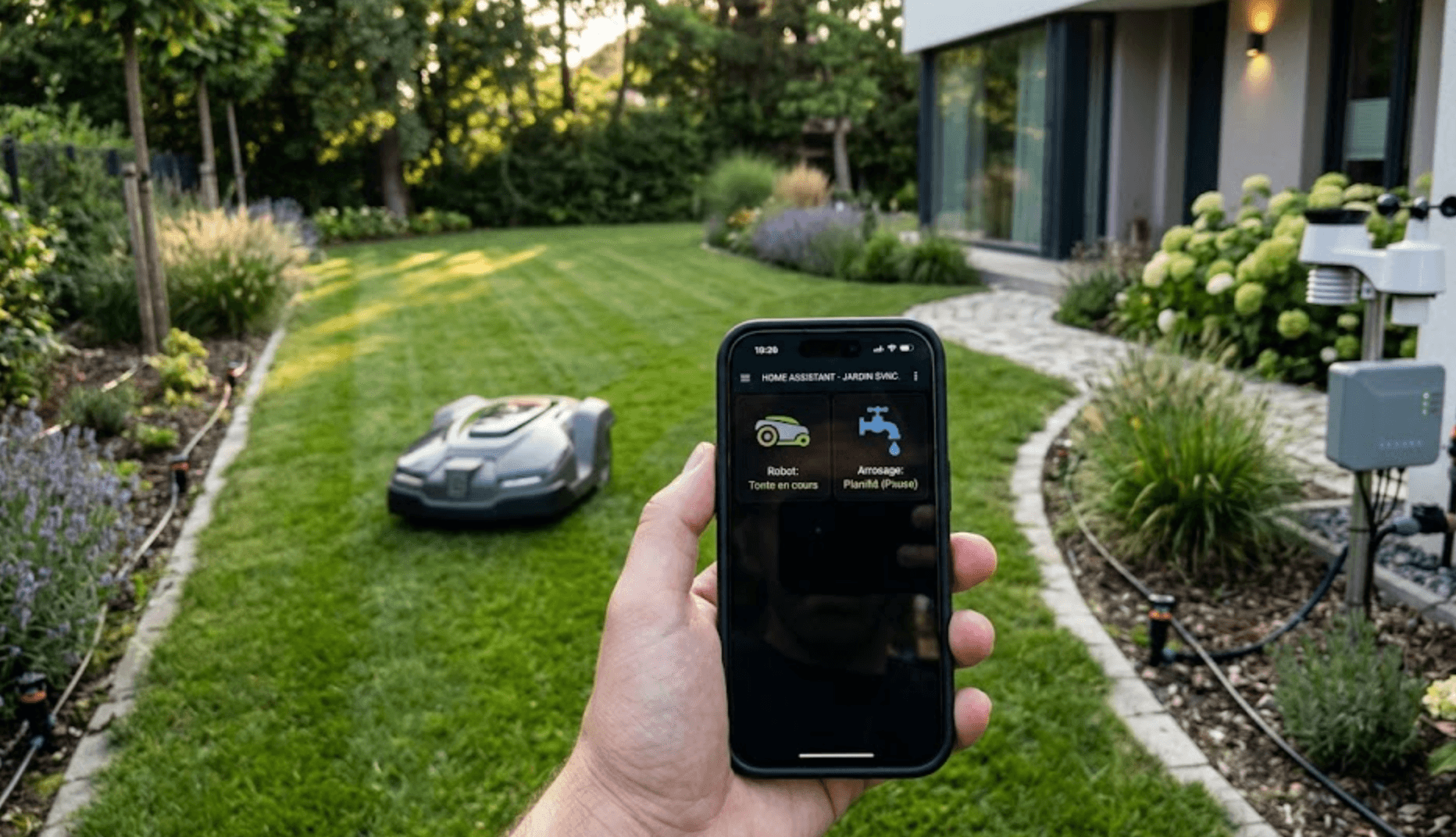
Garden Home Automation 2026: How to Synchronize Your Smart Watering and Robot Mower?
Is your robot mowing while the watering starts? Discover how to make connected valves, weather sensors, and robot mowers communicate via Home Assistant for a truly smart gardenwithout water damage.